Creative Graphics Tips for Eye Catching Designs Guide Today!
Creative Graphics Tips for Eye Catching Designs Guide Today!
I still cringe a little remembering my first paid design project. A client wanted a flyer for a restaurant opening, and I packed it with five fonts, a gradient background, and a logo stretched slightly out of proportion because I didn’t know better yet. It looked busy. It looked amateur.
And it taught me more about creative graphics in one embarrassing week than any tutorial ever did. Fifteen plus years later, after building brand identities, app interfaces, and marketing visuals for clients across the UAE and beyond, I still think back to that flyer whenever a project starts feeling cluttered.
If there’s one thing this career has taught me, it’s that good design isn’t about knowing more software shortcuts than the next person. It’s about understanding why a visual works before you ever open a design tool. This guide is everything I wish someone had explained to me plainly back then, without the jargon. And if you’d rather skip the learning curve altogether, our graphic design services team handles exactly this kind of work for businesses every day.
What Are Creative Graphics, Really?
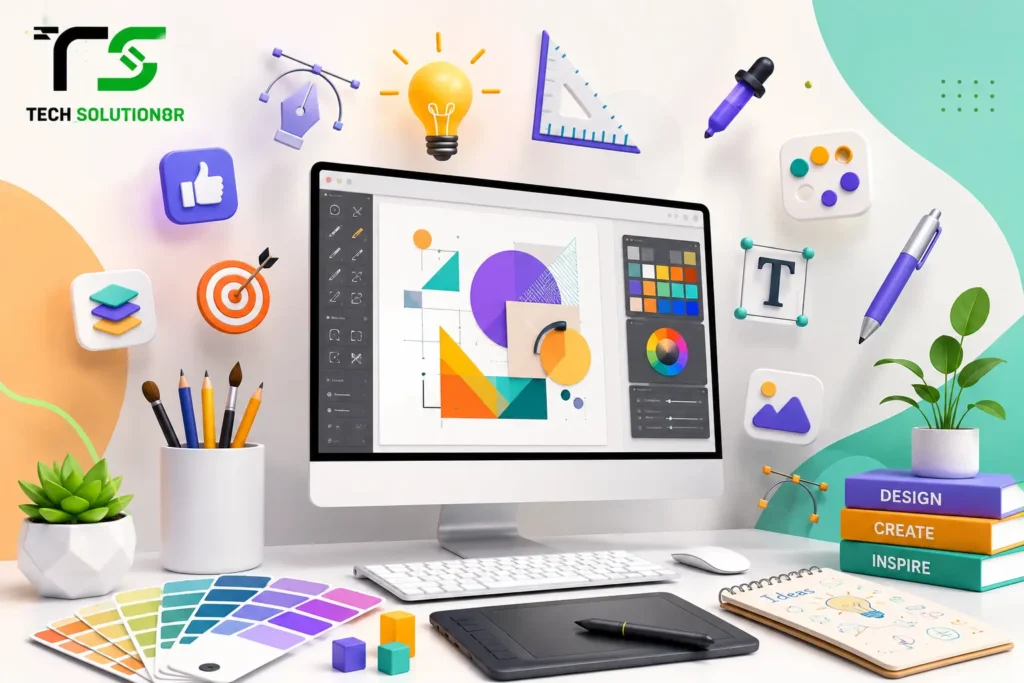
Creative graphics are visual assets, logos, social media posts, banners, illustrations, packaging, app icons, built with intention rather than just decoration. The word “creative” gets thrown around a lot in this industry, but what it actually means is that a design solves a communication problem in a way that also happens to look good.
A flyer that lists event details clearly and grabs attention is creative. A flyer that just looks pretty but confuses people about the date is not, no matter how many awards its color palette might win on a design blog somewhere.
This distinction matters because a lot of beginners chase “looking creative” instead of chasing clarity. The best creative graphics I’ve worked on over the years usually started with a boring, practical question. What does this need to communicate, and to whom?
How Creative Graphics Actually Work
Every strong visual, whether it’s a logo or a full app interface, is built on a handful of underlying principles that quietly do the heavy lifting. Hierarchy tells the eye where to look first, second, and third. Contrast makes important elements stand out instead of blending into the background. Alignment keeps everything feeling organized rather than scattered.
Whitespace, which beginners almost always fear, gives the design room to breathe and actually makes the important parts feel more important. From my own hands-on experience training junior designers over the years, I’ve noticed the biggest jump in skill happens the moment someone stops asking “does this look cool” and starts asking “does this communicate clearly.”
Once that shift happens, everything else, color choices, typography, layout, starts falling into place almost naturally. The same logic applies once these graphics land on a real website, which is something we cover in more detail in our guide on website design practices that actually convert visitors.
Benefits of Investing in Creative Graphics
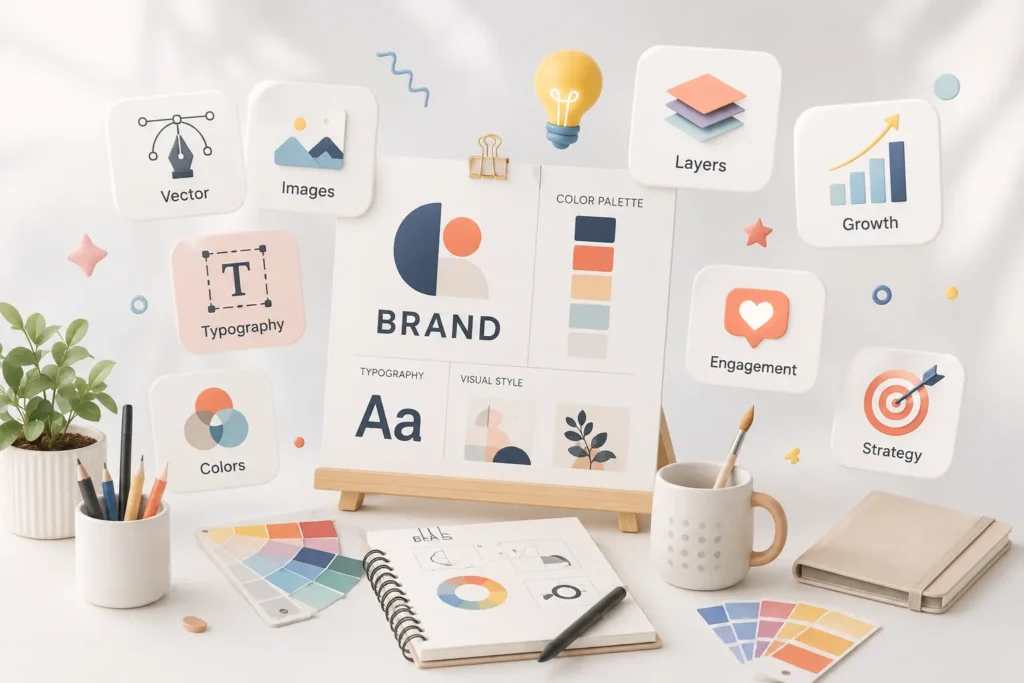
Strong visuals build recognition faster than almost anything else in marketing. People remember a distinctive logo or a consistent visual style long before they remember a tagline. Good creative graphics also build trust, a polished, professional-looking brand signals competence before a customer even reads a single word of copy.
There’s a conversion angle too, and I’ve watched this play out repeatedly with client campaigns, a well-designed ad or landing page graphic consistently outperforms a generic template, sometimes by a wide margin, which is exactly why creative visuals sit at the center of most effective digital marketing campaigns rather than being an afterthought bolted on at the end.
And on the practical side, consistent creative graphics across platforms make a business instantly recognizable, whether someone sees your Instagram post, your website, or your packaging first.
Disadvantages and Limitations Worth Knowing
Design isn’t magic, and it can’t fix everything on its own. A beautiful graphic still won’t save a weak offer or a confusing product, it just makes the confusion look nicer for a moment. Custom creative work also takes real time, rushed design almost always shows, and clients who need something in two hours rarely get their best possible outcome.
There’s a cost factor too, professional design work is an investment, not a one-time expense, since brands evolve and visuals need refreshing every couple of years to stay relevant. And overusing trends is a genuine risk, a design that leans too heavily on this year’s aesthetic can look dated embarrassingly fast.
DIY Design Tools vs Professional Design Services
| Factor | DIY Tools (Canva, templates) | Professional Design Services |
| Speed for simple tasks | Fast | Moderate, depends on scope |
| Brand consistency | Often inconsistent | Strong, built on brand guidelines |
| Uniqueness | Limited, template-based | High, custom-built |
| Long-term cost | Low upfront | Higher upfront, better ROI over time |
| Best for | Small, quick social posts | Logos, branding, campaigns, UI/UX |
Common Mistakes People Make with Creative Graphics
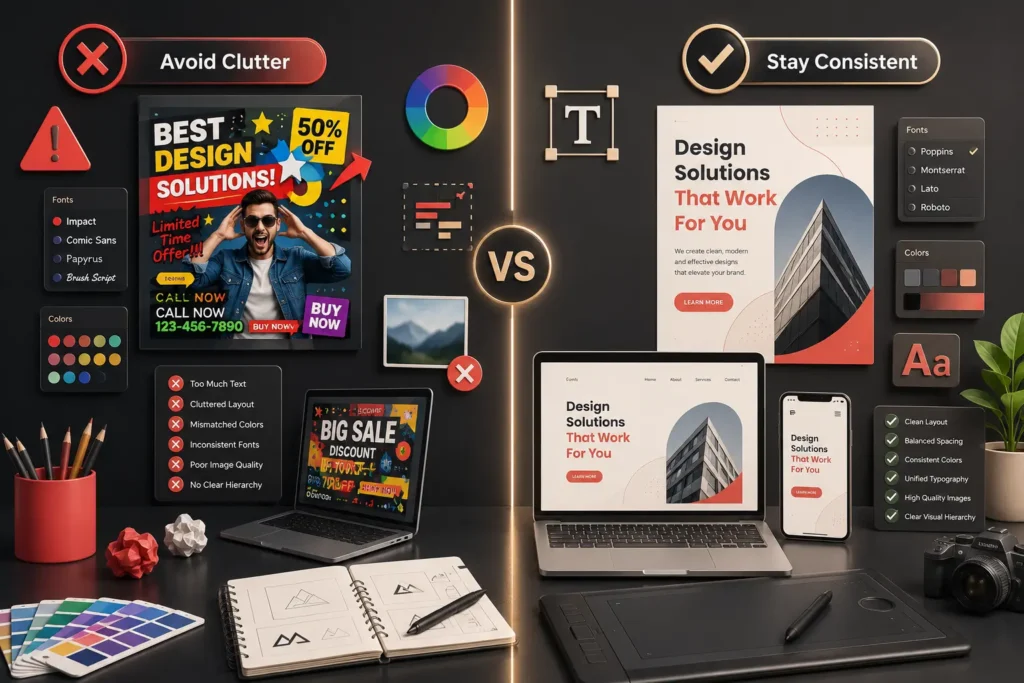
I’ve reviewed hundreds of portfolios and client-submitted designs over the years, and the same mistakes keep showing up. Too many fonts in one design is probably the most common one, three typefaces maximum is a good rule most beginners break immediately. Poor color contrast is another text that’s technically visible but genuinely straining to read defeats the entire purpose of the design.
Ignoring brand consistency trips people up too, a business using five different shades of blue across its platforms looks disorganized even if each individual graphic is well made. And a lot of beginners design for desktop only, forgetting that most people will actually see the graphic first on a small phone screen, where fine details simply disappear.
Best Practices and Expert Tips from Real Projects
Start with a grid, even a rough one, before placing a single element. It sounds tedious, but it saves hours of second-guessing later and keeps everything visually aligned. Limit your color palette to two or three main colors plus a neutral, more than that usually signals indecision rather than boldness.
Test every design at actual size on a phone screen before calling it finished, since colors and text that look fine on a large monitor often fail completely once shrunk down. Build a simple style guide early, even for a small business, fonts, colors, spacing rules, because consistency compounds over time and saves enormous rework down the line.
And when a project needs more than a single graphic, when it needs a full digital experience with app screens or a complete website, that’s usually where our UI UX design services come in, since interface design carries all these same principles but adds usability and user flow into the mix.
Cost Considerations for Creative Graphics
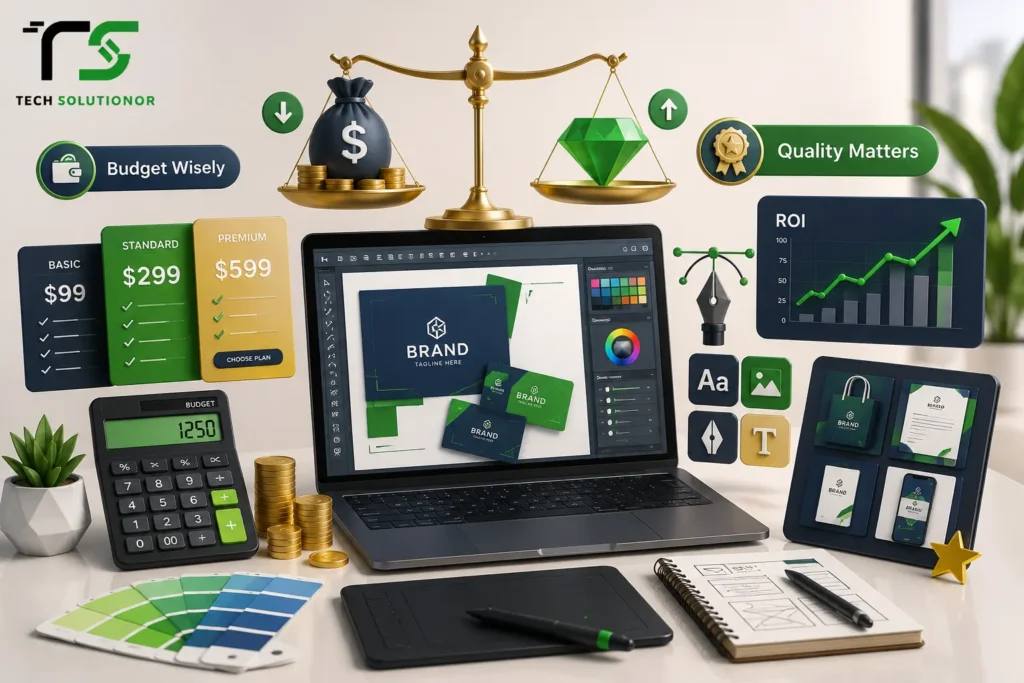
Pricing varies a lot depending on scope. A single social media graphic from a freelancer might run anywhere from a few dollars using template platforms to fifty or more for something genuinely custom. A full brand identity package, logo, color palette, typography, brand guidelines, typically costs several hundred to a few thousand dollars depending on the agency and how much strategy work is involved.
UI/UX design for an app or website tends to sit at the higher end, since it involves research, wireframing, prototyping, and multiple rounds of testing before a single pixel gets finalized. It’s worth mentioning that cheaper isn’t always cheaper in the long run, a poorly designed brand often needs a costly redo within a year or two, while investing properly the first time tends to hold up much longer.
Industry Trends Shaping Creative Graphics in 2026
AI-assisted design tools have changed how fast concepts get generated, letting designers explore ten directions in the time it used to take to sketch one, though the judgment on which direction actually fits the brand still comes down to human experience. Motion and micro-interactions are showing up everywhere now, static graphics are slowly giving way to subtle animation, even in simple social posts.
Bold, high-contrast typography is trending strongly too, replacing the overly minimal, whisper-quiet design style that dominated a few years back. Accessibility-first design is finally getting the attention it deserves as well, more brands are checking color contrast and readability properly instead of treating it as an afterthought.
These shifts tie directly into how modern websites get built too. Fast-loading, mobile-first sites with strong visual hierarchy and solid security aren’t just nice extras anymore, they’re what search engines and users both expect by default. That’s exactly why more UAE businesses combine their creative graphics work with proper Web Development Services in UAE, since a stunning graphic means very little sitting on a slow, poorly built website that nobody actually finds.
Our own breakdown of how AI is changing web development in 2026 covers this overlap between design tools and modern development in more depth if you’re curious how the two sides connect.
Pros and Cons at a Glance
Pros:
On the upside, strong creative graphics build brand recognition, increase trust, improve conversions, and create a consistent identity across every platform a business shows up on.
Cons:
On the downside, custom design takes real time and budget, trends can date a design quickly if leaned on too heavily, and no amount of good visuals will fix a weak product or an unclear message underneath it.
UAE Specific Considerations for Creative Graphics
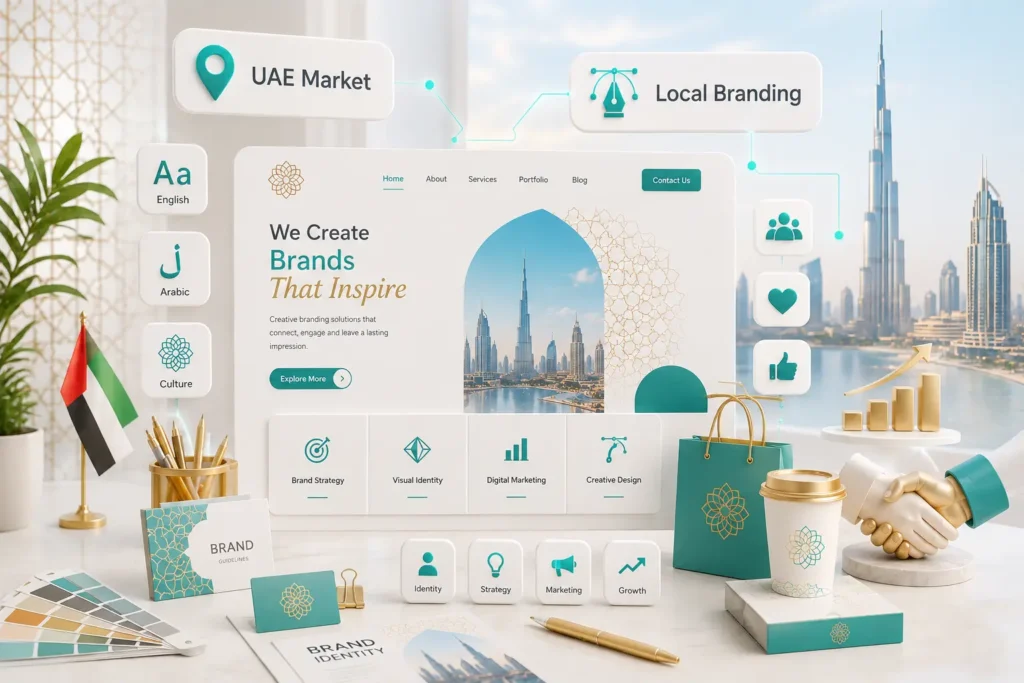
Designing for the UAE market comes with a few realities worth knowing before you start. Cultural sensitivity matters a great deal, imagery, color symbolism, and messaging need to respect local values and customs, something generic international templates frequently miss entirely.
Bilingual design is close to essential here, English and Arabic layouts often need separate consideration since Arabic reads right to left, and a design that simply mirrors an English layout usually looks awkward and unbalanced. Local market visuals tend to perform better too, audiences respond more strongly to design that reflects Dubai’s or Abu Dhabi’s own aesthetic and lifestyle rather than a generic Western stock-photo look pasted over local text.
And with the UAE’s digital economy growing quickly, businesses investing early in strong, locally aware creative graphics tend to build recognition faster than competitors still relying on recycled templates. Getting the fundamentals right early also pairs well with proper search engine optimization, since well-designed graphics with correct alt text and fast-loading formats genuinely help pages rank better too.
Creative Graphics vs Generic Templates
A question I get asked constantly, especially from small business owners on a budget, is whether a paid template is basically the same as custom design. It isn’t, and here’s the honest difference.
A template gives you structure but not distinctiveness, thousands of other businesses might be using that exact same layout right now. Custom creative graphics take longer and cost more, but they’re built specifically around what makes your brand yours, which pays off the moment a customer starts recognizing your posts in a crowded feed without even reading your name.
If you’re at the stage of hiring outside help for this kind of work, our piece on what to know before hiring a web development agency covers a lot of the same vetting questions worth asking a design partner too.
FAQs
What makes graphic design “creative” instead of just decorative?
Creative graphics solve a communication problem while also looking visually appealing. Decoration alone doesn’t guide attention or support a message. True creative design combines clarity, hierarchy, and purpose with strong visual appeal that actually serves the business goal.
How much should a small business budget for creative graphics?
Small businesses can start with a few hundred dollars for essential brand assets like a logo and social templates. Larger, ongoing needs like full branding or UI/UX design typically require a few thousand dollars for lasting quality.
Can I use free design tools instead of hiring a designer?
Free tools work fine for quick, simple posts. For brand identity, packaging, or app interfaces, a professional designer brings strategy, consistency, and originality that template-based tools generally can’t replicate on their own.
How often should a brand update its creative graphics?
Most brands benefit from a visual refresh every two to three years to stay current without losing recognition. Complete rebrands are less frequent, usually only needed after major business changes or repositioning.
What’s the difference between graphic design and UI/UX design?
Graphic design focuses on visual communication like logos, banners, and print materials. UI/UX design focuses on how users interact with digital products, combining visuals with usability, navigation, and overall user experience.
Conclusion
Creative graphics aren’t about chasing the flashiest trend or cramming a design with every idea you have at once, my old restaurant flyer is proof enough of that. They’re about clarity first, personality second, and consistency holding it all together over time. Start simple, get the fundamentals right, and let your visuals grow more ambitious as your confidence, and your brand, both develop.
If your business is ready for design that actually reflects the quality of what you do, not a stretched logo and five competing fonts, our team would genuinely love to help. Reach out to our graphic design services specialists today, and let’s build visuals that make people stop scrolling for the right reasons.